Smart field detection
OCR and document logic identify common details such as names, addresses, dates, IBANs or signatures and suggest matching input fields.
PDFrecreate detects common input areas in PDFs and scanned documents, suggests the right fields and takes you straight to typing with one tap.
Google Play launches today. The App Store version will follow.
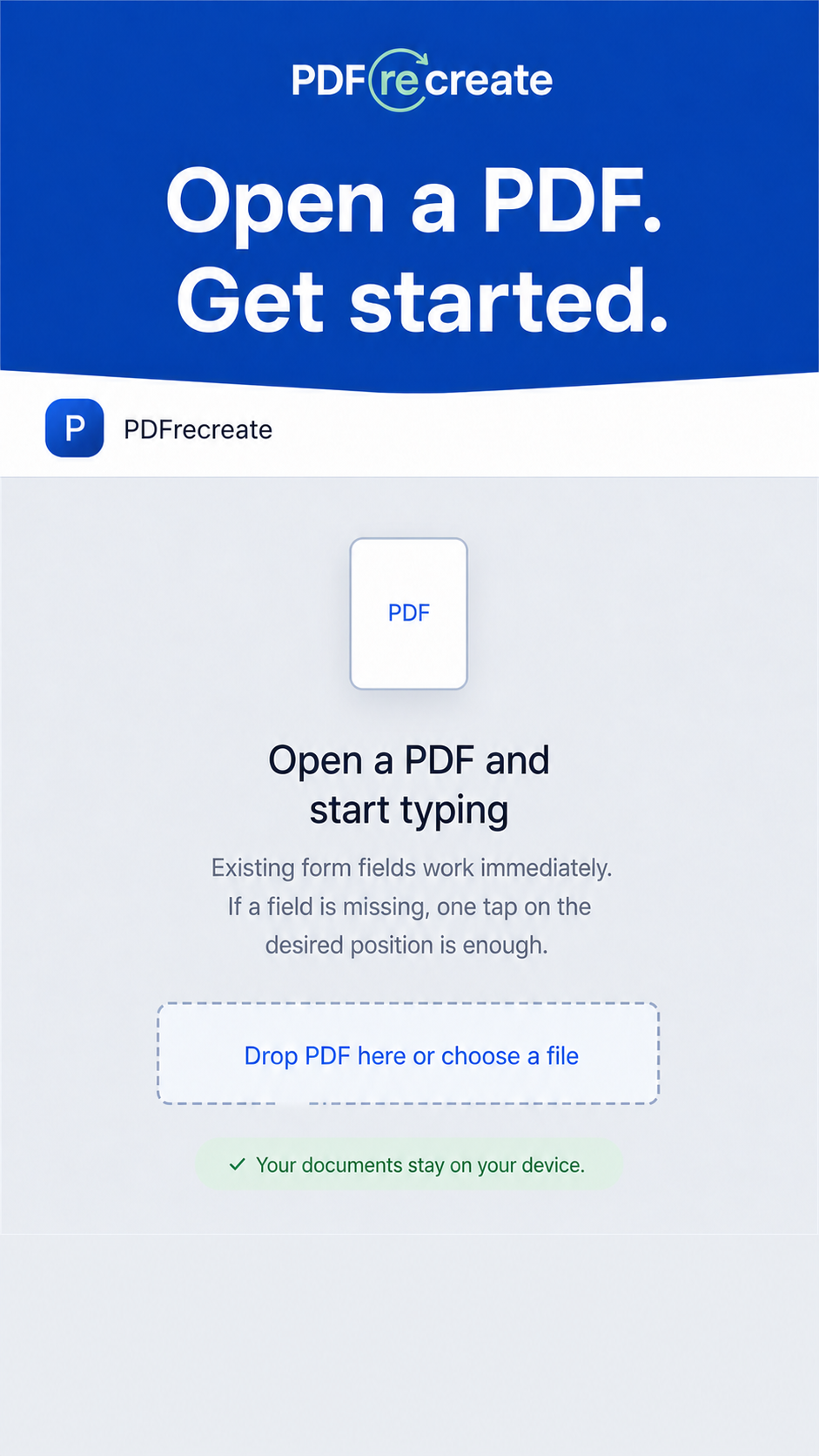
OCR and document logic identify common details such as names, addresses, dates, IBANs or signatures and suggest matching input fields.
If a field is missing, simply tap where it belongs. A text field appears instantly – no fiddly corner handles or manual resizing.
Text fields and font size adapt to your content and warn you if something cannot fit cleanly in the available space.
Existing PDF form fields are preserved. Edit text, dates, numbers, choices and checkboxes directly.
Add a signature, number pages, and move, duplicate or remove fields whenever you need to.
PDFs, recognized text, entries and signatures stay on your device during document processing.
Choose a regular or scanned PDF from your device.
Check the suggested fields, tap to type and add any missing area with one tap.
Save a clean new PDF without visible helper highlights or share it directly.
PDFrecreate combines existing form information with on-device OCR and common document labels. It turns them into editable suggestions – for example beside “Name”, “Date”, “Address” or “Signature”. You stay in control and can adjust or add suggestions at any time.
Detection is an intelligent aid. Suggestions may be incomplete depending on scan quality and can always be added manually.No account, no uploading PDFs to PDFrecreate servers and no tracking for document processing. Your files stay where they belong: with you.